


This is the fastest and easiest way to download multiple images from a website.
- Any media exporter extension from chrome web store
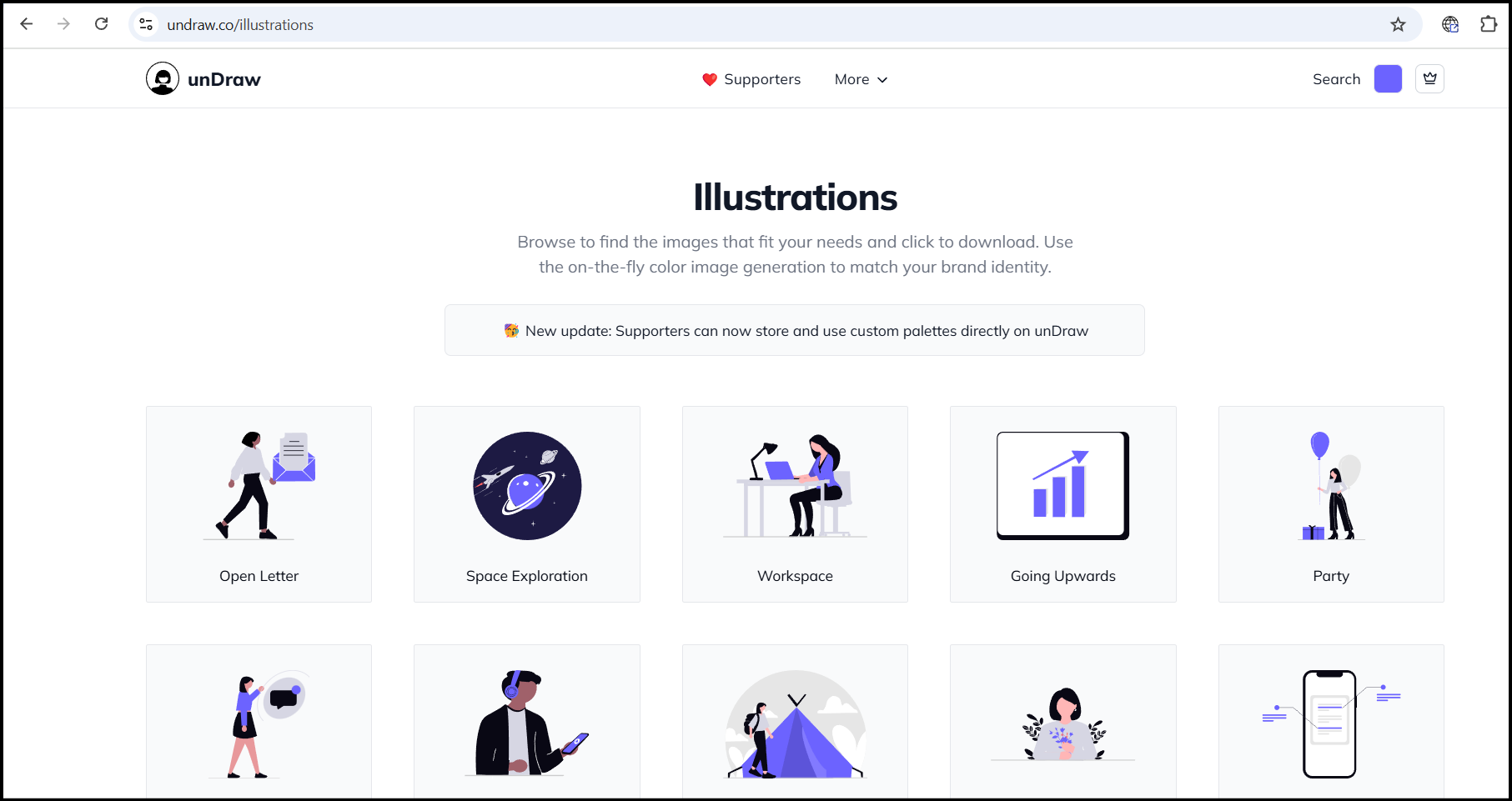
- Visit the website you want to download images from
- Run the any media exporter.

- It will open a new tab with all the images.
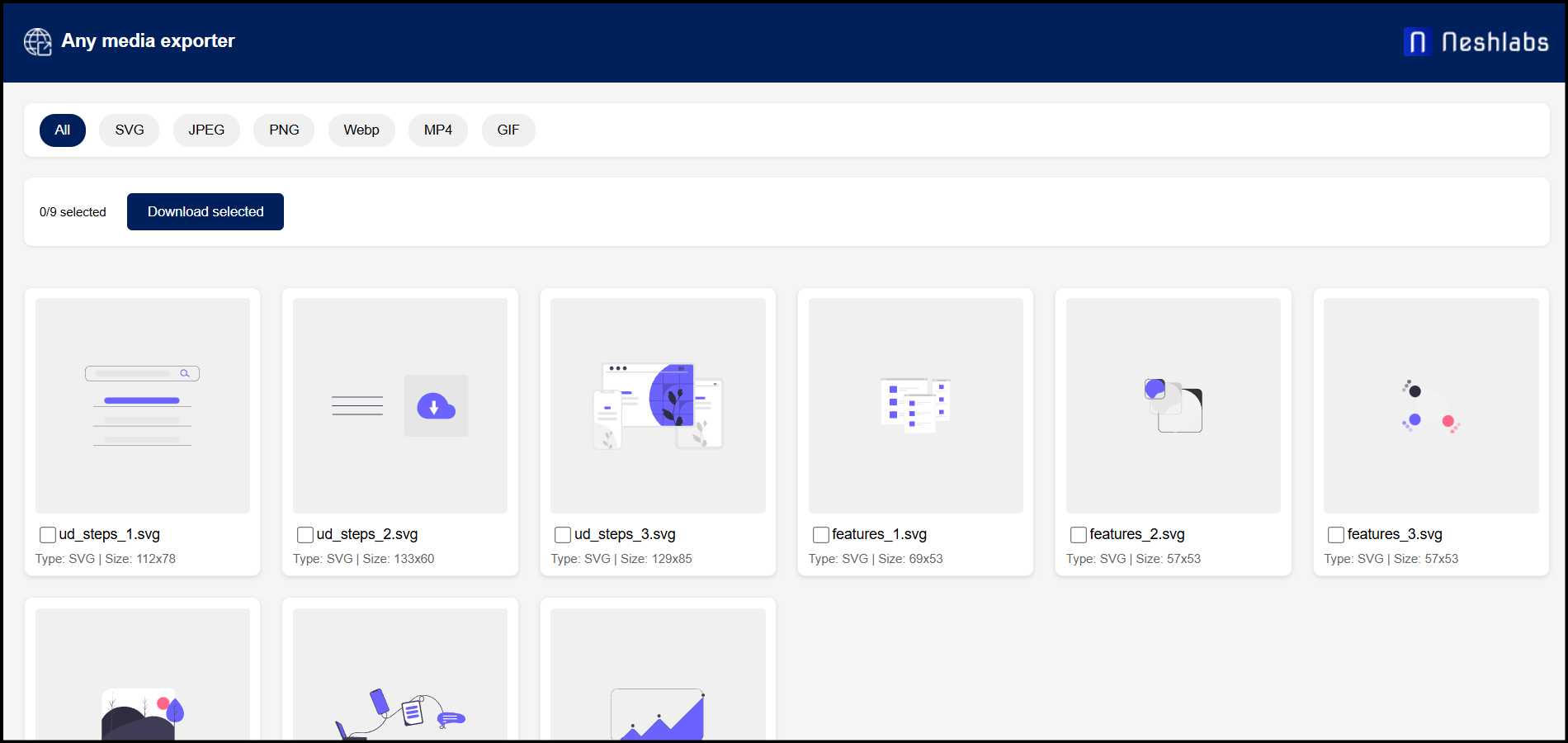
- Select images you want to download
- Click Download selected
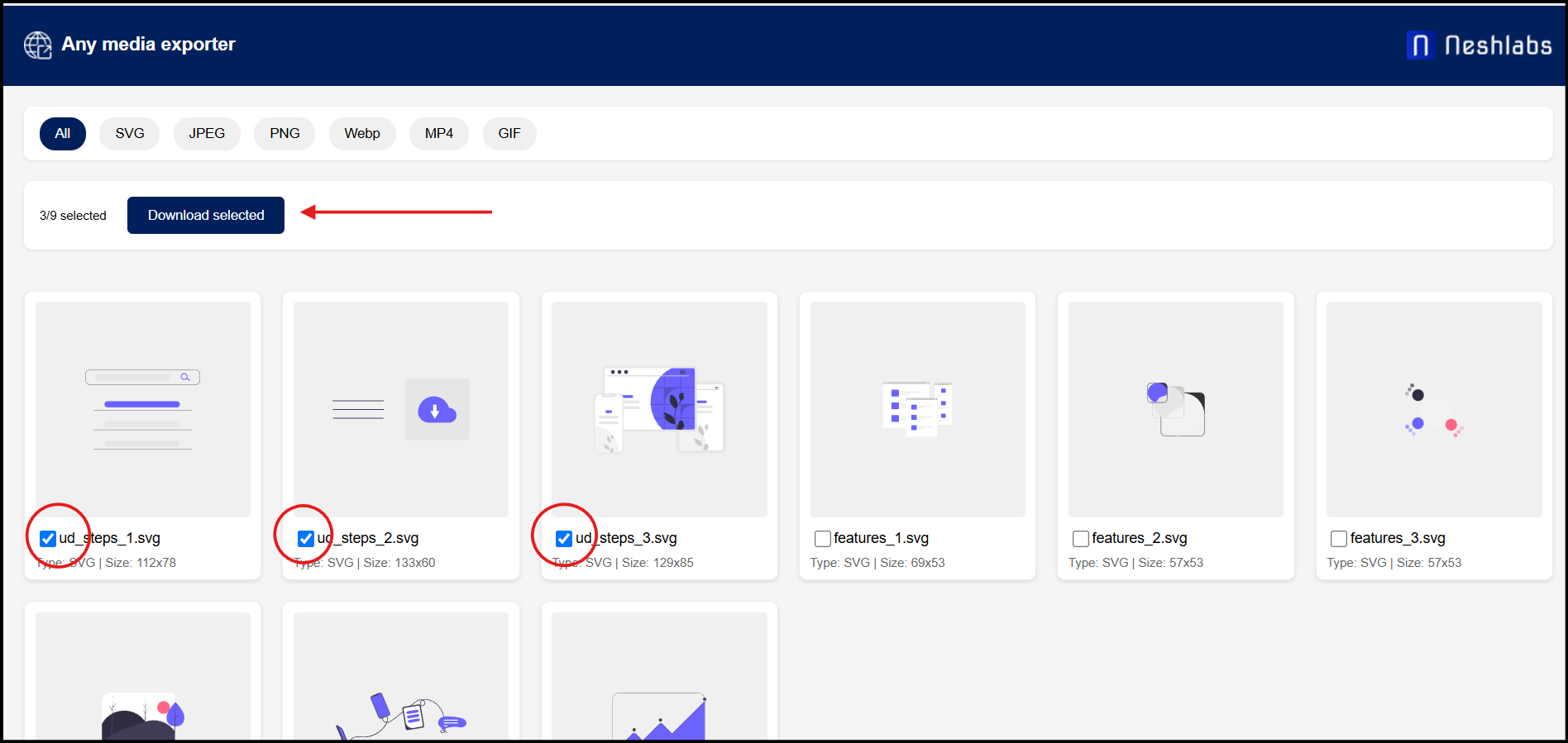
- Done, your have succesfully downloaded the images
- Bonus, by using this extention you can download SVG, GIF, MP4 also.
Download the any media exporter chrome extension and save time


