


If you have made your blog or a website on Framer but are unable to add the ads.txt in your Framer website to activate Adsense, I have got a solution for you.
Since Framer does not allow uploading files directly in the root folder here is a workaround on how you can still make the ads.txt work for google Adsense.
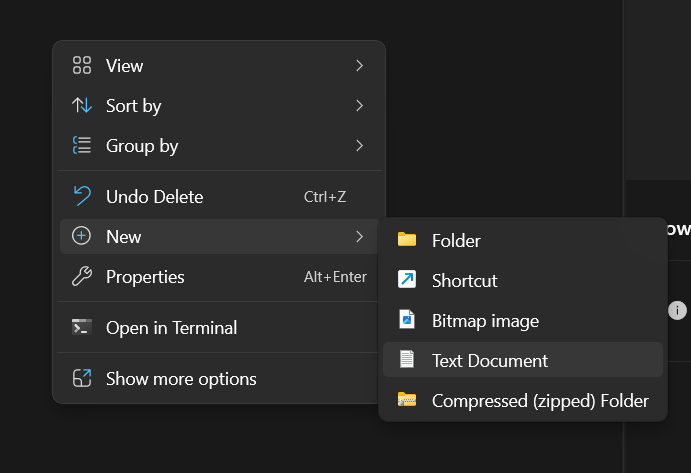
Step 1: Create a text document on your PC and name it ads
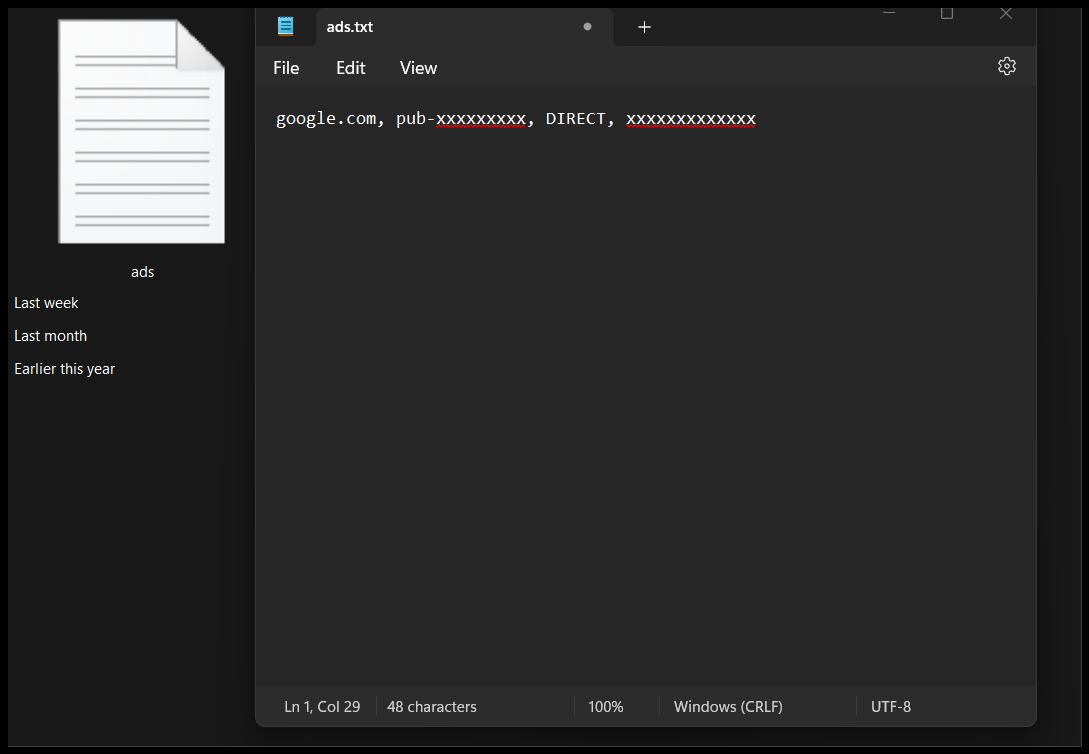
Step 2: Copy an paste the adsense code in the ads file and save
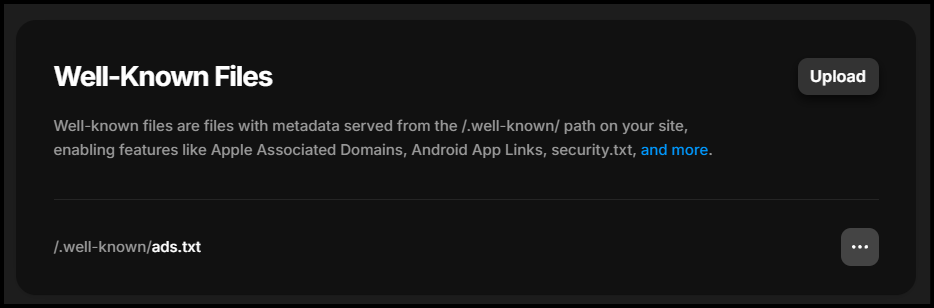
Step 3: Upload the file in the well-known files in Framer
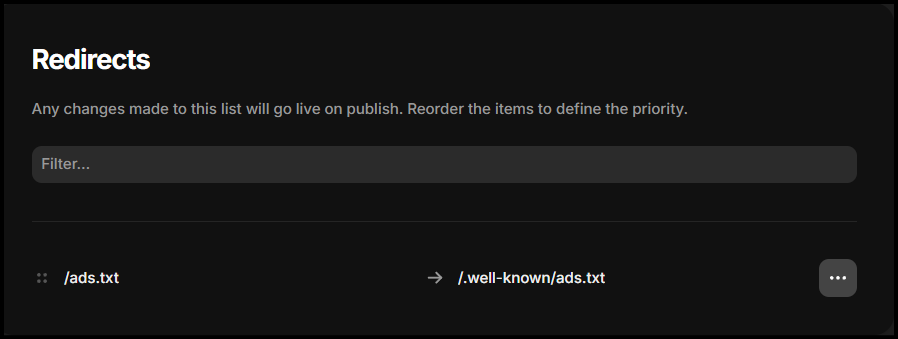
Step 4: Redirect /ads.txt to /.well-known/ads.txt
Step 5: Check if yourwebsite/ads.txt is working
Go to the URL yourwebsite/ads.txt and verify if you can access the URL. Check if the URL changes to /.well-known/ads.txt.
Step 6: Check for updates in adsesne.
Click on check for updates on adsense. You will see a conformation message


Note: well-knows are available only for pro users, basic and mini plan does not allow user to upload well known files.
I hope this will help you to activate adsense on your framer website.
Reference: Framer Community forum


